 Cortex
Your signatures
Every signature you made, in one list: open its check page, copy its link, show the file, remove its previews or revoke it.
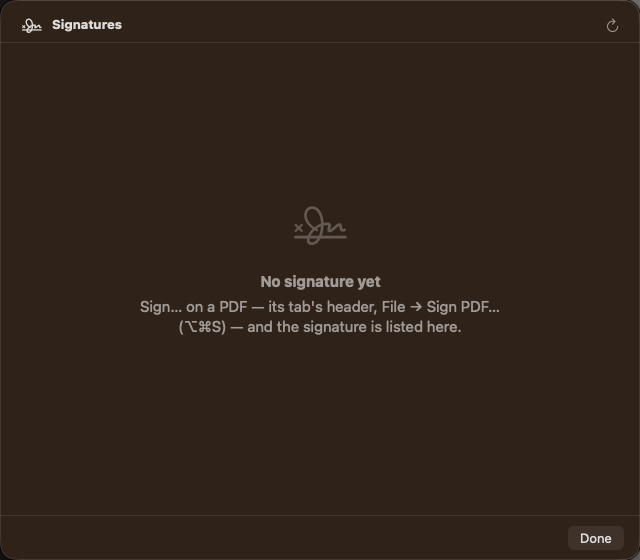
≡ → Signatures… lists every signature of your Cortex ID, newest first. Those made on this Mac show the document's title; those made on another of your Macs show their ID and date, because their title is sealed with a key only that Mac had.
Each row ends with the check page's icon and a ··· menu, also its context menu:
- Copy Check Link and Open Check Page — for signatures made on this Mac: the link carries the key that opens the sealed details.
- Show File in Finder — while the signed file is still where it was written.
- Remove Preview… — deletes the page previews from Cortex Server; the record stays and the paper still checks, as Record only.
- Revoke… — with a reason of up to 200 characters, confirmed with Touch ID. Whoever scans the paper is then told it was revoked, when, and why. It cannot be undone; sign again to make a new signature.
A record is never deleted: a signature that could vanish would prove nothing. The arrow at the top reads the list again.
Something wrong or missing? Tell us