 Cortex
Your devices
On this page
Macs and browsers of your Cortex ID, removing one, and the eight-hour rule for a new device.
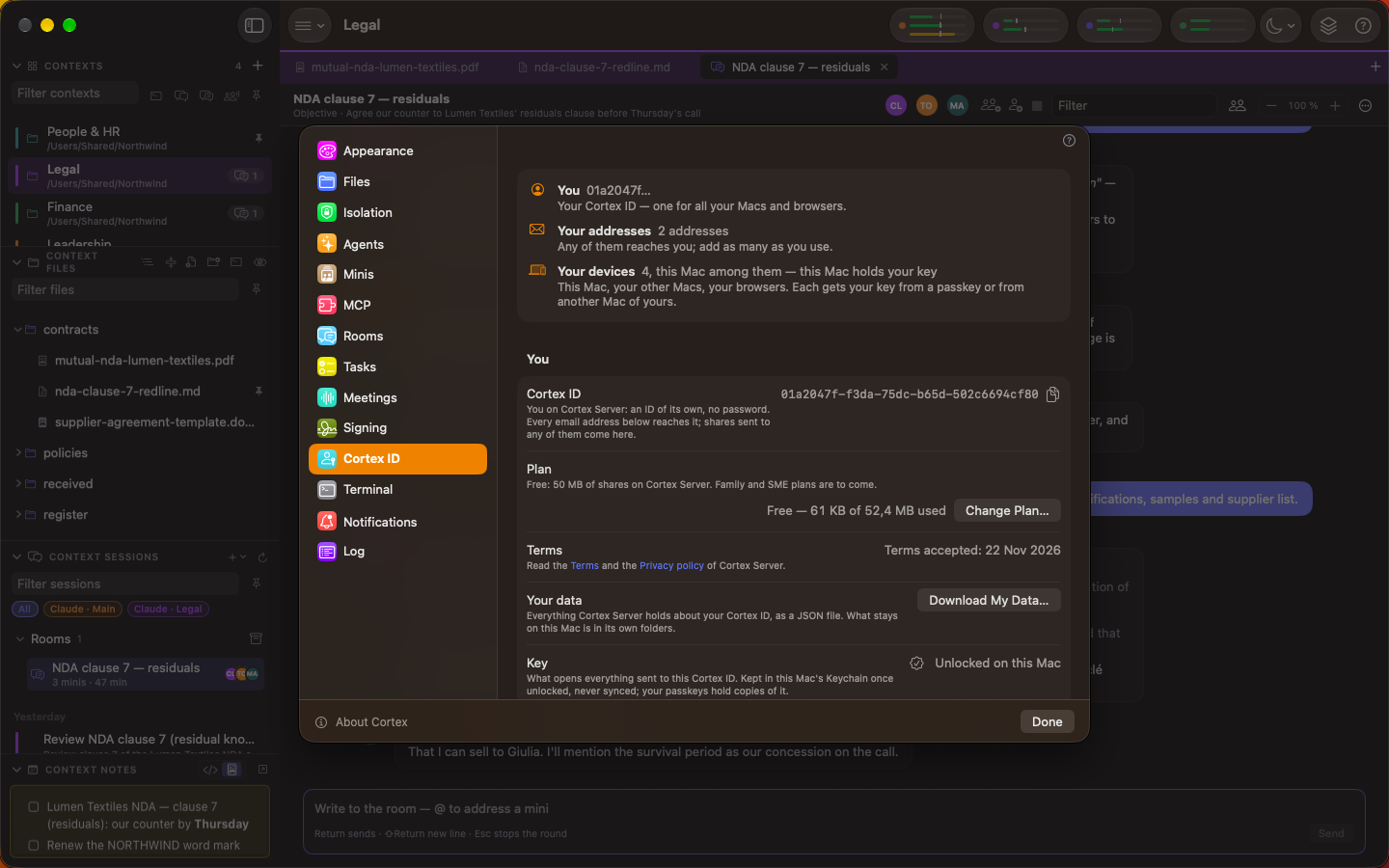
Every Mac that acts for your Cortex ID is a device. So is every browser you signed in on. The Cortex ID pane lists them with their kind, name, when they were added and when they were last seen.
What a device is
- A Cortex app has a signing key of its own, kept in its Keychain. It signs every request it makes, so the server knows the request is from your Mac.
- A browser you signed in on is a device too. It holds your key in memory only while the viewer page is open and unlocks it with your passkey each time. It is forgotten when you remove it, and the server deletes its record 30 days after that, or after its sign-in expires.
A Mac belongs to one Cortex ID at a time.
If you sign PDFs, a Mac also has a signing key of its own, made in its Secure Enclave. It is not a device key and never leaves the Mac. See Your keys and sign-ins.
Remove a device
Remove a device from the list. It stops being accepted at once. If it is connected, it is told and cut off. Your Cortex ID, its other devices and its shares stay. The certificates of that Mac's signing key are withdrawn, and signatures made before stay valid.
Do this first if a Mac is lost or stolen. If you also want a fresh key, see Rotate or reset your key.
Forget This Mac
Forget This Mac removes this Mac from the Cortex ID and deletes its keys from the Keychain. Cortex only deletes them once the server has removed the device, or no longer knows it. If the removal fails, Cortex says so and forgets nothing, so that no device is left on the server that no Mac holds. Your shares and your other devices stay.
The eight-hour rule
A device added in the last 8 hours cannot remove addresses, passkeys or other devices. This protects you if someone gets into one of your mailboxes: with only a mailed code, they could sign a device in and try to strip your Cortex ID. The wait gives you time to notice.
There is a way through. A Mac that holds your key can prove it, which a passkey or an approval gives it, and Cortex then retries the removal at once. A Mac that does not hold your key cannot. Instead the pane shows Removals wait until … with the time, and the notice says the same. Forget This Mac is never held, since it only removes the Mac you are on.
If a device is removed from elsewhere
If another device removes this Mac, its connection is cut. Cortex forgets the Cortex ID and tells you why.
Something wrong or missing? Tell us