 Cortex
Read PDF, Word, Excel and PowerPoint
On this page
Pages, sheets and slides on screen, and the ✎ button that opens the app that owns the file.
Cortex shows PDFs, Word documents and the rest of the Office and iWork family next to your session, so you can read a contract, a memo or a spreadsheet without leaving the window. They are read-only in Cortex. To change one, you edit it in the app that owns it, and Cortex shows the new version when that app saves.
A PDF opens as continuous pages. A document with several pages shows a strip of page thumbnails on the left: click one to go to that page. The sidebar button in the header hides and shows the strip, and Cortex remembers your choice for every PDF.
The filter field in the header highlights matches on the pages; see Quick open and Find. Zoom works on top of the fit-to-width view. You cannot edit a PDF, but you can sign one; see below.
Sign a PDF
The Sign… button in a PDF tab's header, File → Sign PDF… (⌥⌘S) and Sign… in the file tree's menu open the signing sheet, where you place a stamp with your signature and a QR code. Cortex writes the signed copy beside the original and never over it. A PDF that is already signed with a certifying signature, is encrypted, or has more than 200 pages or is larger than 100 MB cannot be signed. See Sign a PDF and Signing, in short. The button is not shown for a PDF on the Stack.
Word documents
.docx, .dotx, .doc and .odt files are laid out on white pages, as a PDF is, whatever the theme. The pages use the paper and margins the document gives, or the default paper with an inch of margin. The page thumbnails and the filter work as for a PDF.
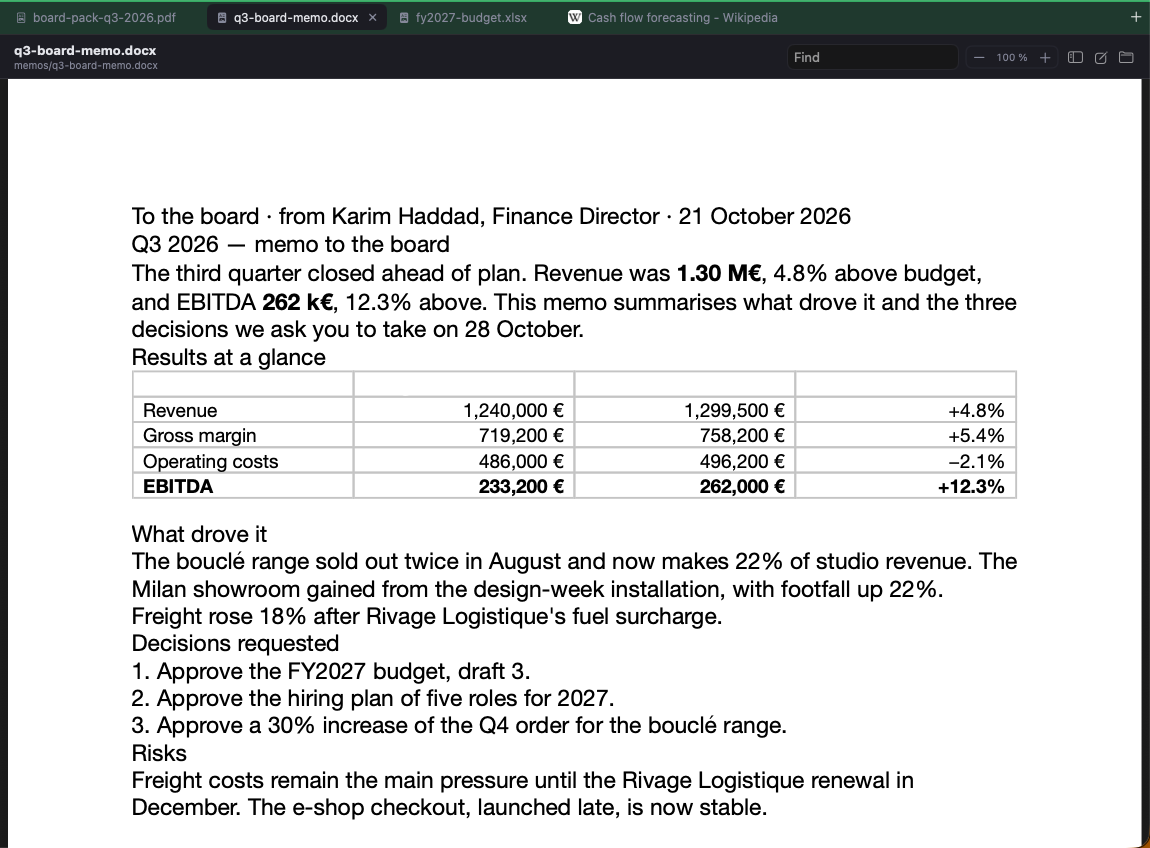
Pictures are put back in their paragraphs at the document's size. Headers, footers and page numbers are not shown. Some documents fall back to a plainer view from the system's Quick Look, for example one that holds a chart or a SmartArt diagram.
Excel, PowerPoint, Pages, Numbers and Keynote
These open as Quick Look draws them: pages, sheets with their sheet tabs, and slides. No Office app is needed to read them. This covers .xlsx, .xls, .pptx, .ppt, .docm, .pages, .numbers, .key, .ods, .odp and the macro and template variants of the Office ones.
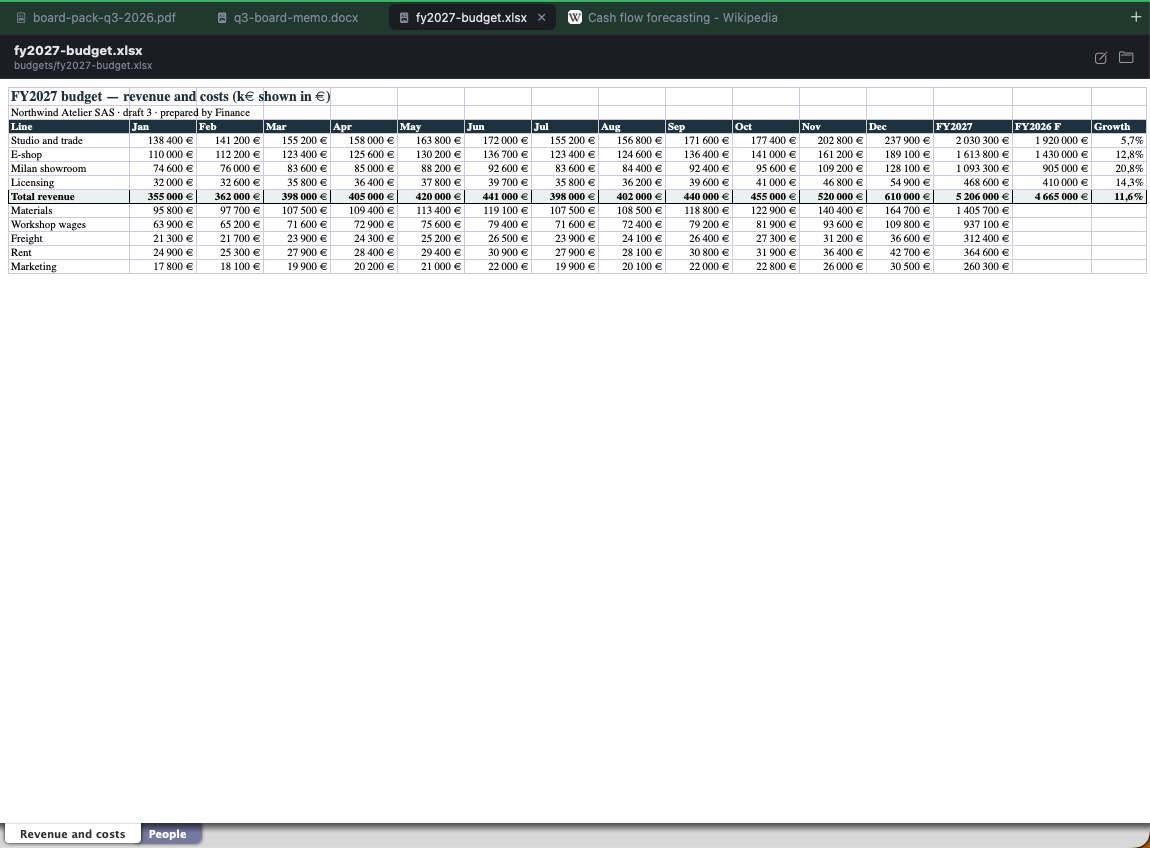
Edit a document in its own app
- Click the ✎ button in the tab's header. Its tooltip names the app it will open, such as "Edit in Microsoft Word".
- Edit and save in that app.
- Switch back to Cortex. The tab shows the file again, because Cortex checks its modification date once a second while it is showing.
The app is Word, Excel or PowerPoint where installed. Otherwise it is Pages, Numbers, Keynote, or whichever app on your Mac claims the file type. Cortex never edits these files itself.
Something wrong or missing? Tell us