 Cortex
What Cortex opens and edits
Every file type, how it is shown, and which can be edited.
Every file opens in the view its type calls for. Text formats you edit open in one built-in editor. Formats you only read open in the system's own viewers. Anything else is handed to an app of your choice, and never run by Cortex.
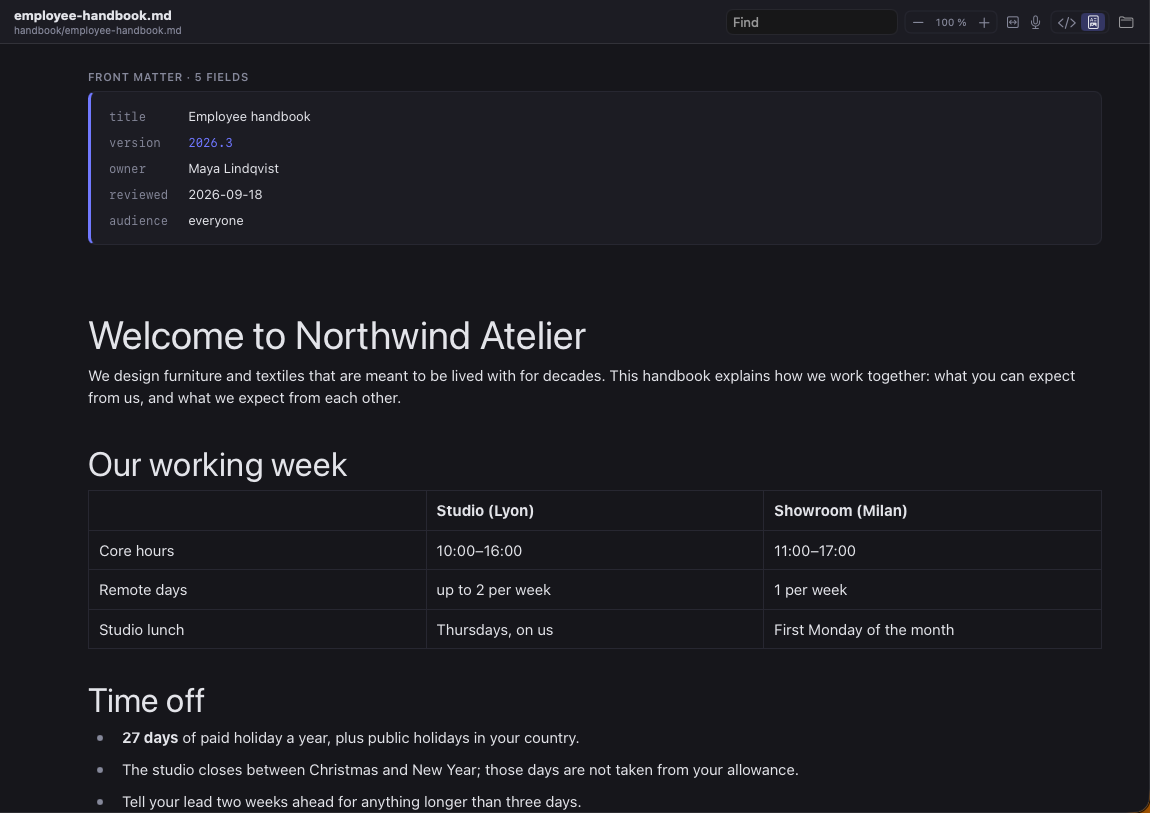
Which types open how
| Type | How it is shown | Edit? |
|---|---|---|
Markdown (.md, .markdown, .mdown, .mkd) |
Rendered as a page, or as Source | Yes. See Edit Markdown. |
JSON, JSONC, .code-workspace |
Syntax-coloured | Yes, as text |
HTML (.html, .htm) |
Rendered as a page, or as Source | Yes, in Source |
Source code (.ts, .js, .py, .swift, .yaml, .sh, .sql and many more), Makefile, Dockerfile, dotfiles such as .env.local |
Syntax-coloured | Yes |
Plain text (.txt, .log, .csv, .tsv, .jsonl, .lock, and names like README and LICENSE) |
Monospaced text | Yes |
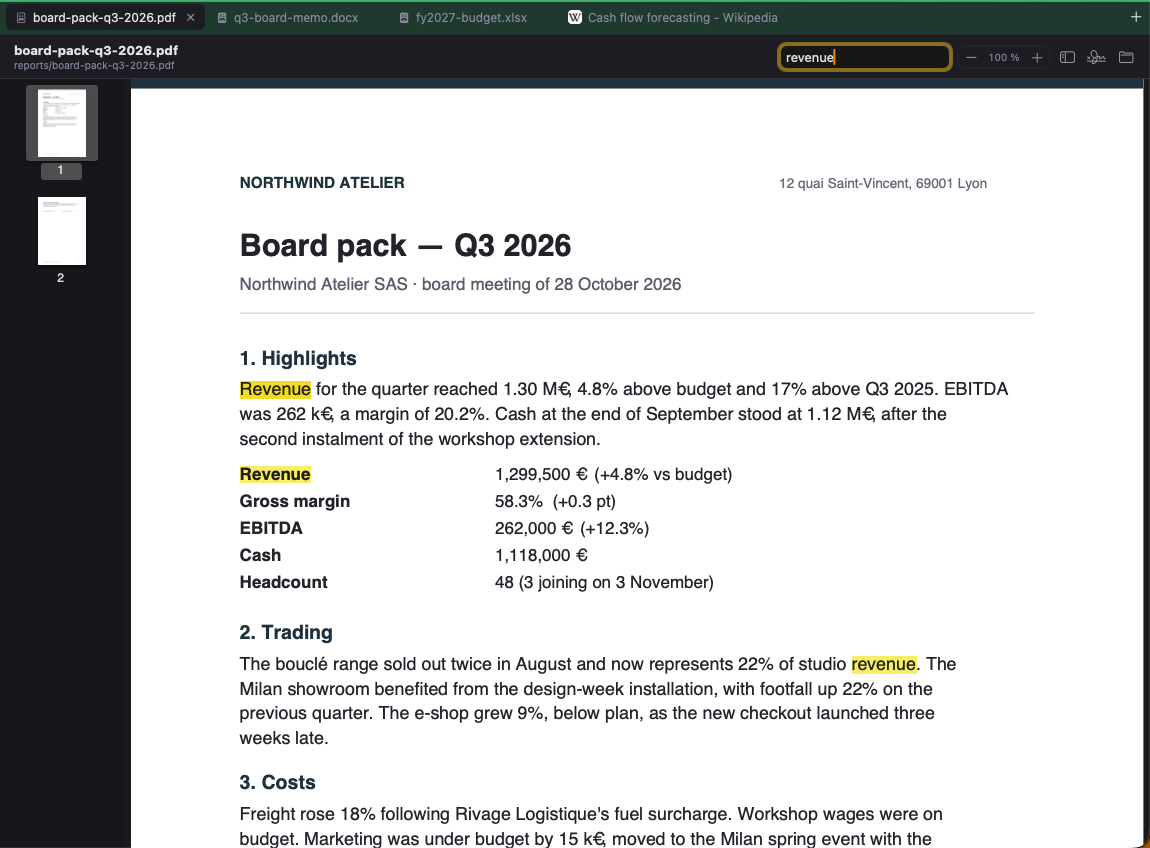
| Continuous pages, with a thumbnail strip | No, but it can be signed. See Sign a PDF. | |
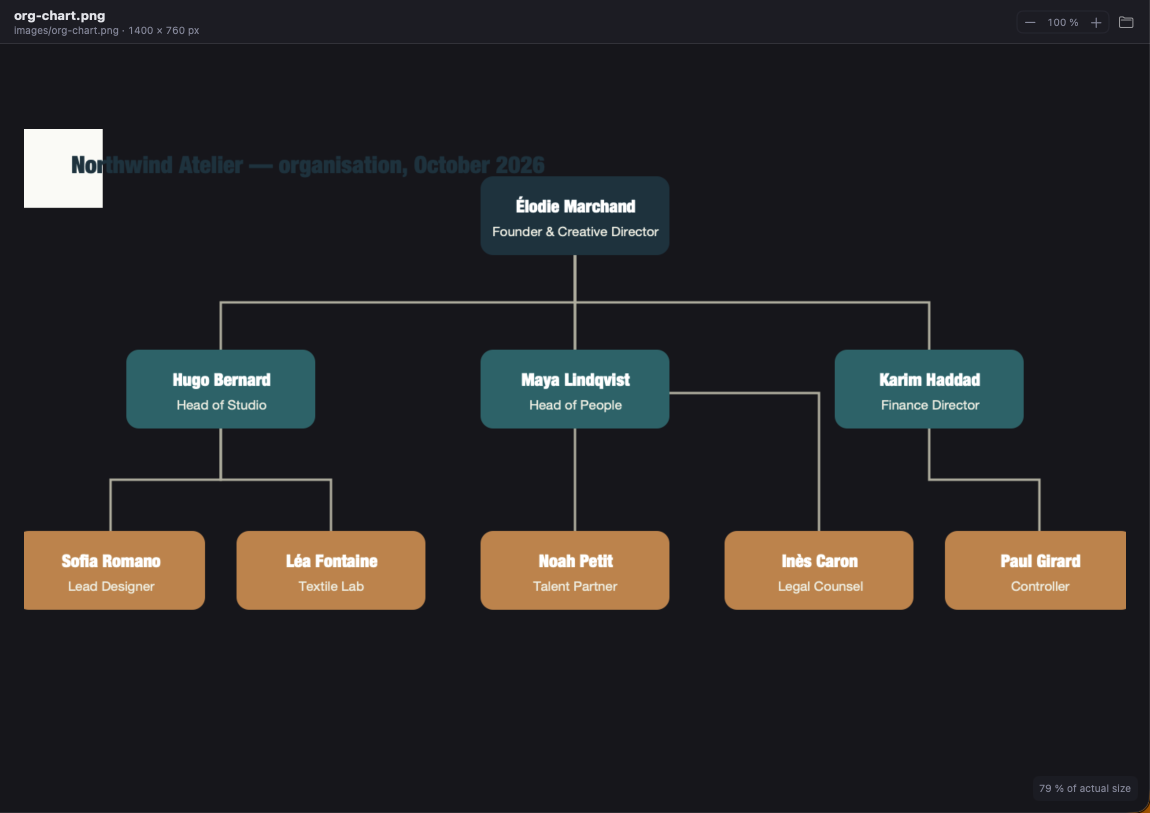
| Images | Fitted to the tab, zoomable, with pixel size shown | No |
Word and OpenDocument text (.docx, .dotx, .doc, .odt) |
On pages | No. The ✎ button opens the owning app. |
Excel, PowerPoint, Pages, Numbers, Keynote, OpenDocument sheets and slides (.xlsx, .xls, .pptx, .ppt, .pages, .numbers, .key, .ods, .odp) |
Sheets, slides and pages as Quick Look draws them | No. The ✎ button opens the owning app. |
| A stored session | A read-only transcript. See Read a past session. | No |
A web location (.webloc) |
Its address opens as a web tab, not the file | No |
| Everything else | Not opened in Cortex | Use Open in… |
How each family behaves: Read PDF, Word, Excel and PowerPoint, and Code, HTML, JSON and text.
What every file tab has
Every file tab starts with the same header: the file name and its path inside the context, then a filter, zoom, a mode switch where there are two modes, and Reveal in Finder. Images also show their pixel size.
On the Stack, the same views run, and you can edit in place. See The Stack.
Files that change under you
PDF, image and Office tabs follow their file. While one is showing, Cortex checks the file's modification date once a second, and shows it again when something regenerates it, whether that is an agent, a build, or the app you opened it in with ✎. A PDF stays on the same page. Text files follow changes in a different way; see When an agent changes a file you are editing.
Limits
- Large text files. A text file over 50 MB is not opened as text, whatever its kind. Its tab shows a read-only preview of the first megabyte, with the file's size and a line saying it is too large to edit. Nothing is ever saved to it.
- Other encodings. A file that is not UTF-8 is shown as unreadable and is never written, because saving it as UTF-8 would destroy its other characters.
- Not real files. A pipe, a device, or a link to one is never read. Its tab says "Not a file".
Share it
You can send any file you can open here, one or several or a whole folder, to anyone with an email address, or as a public link. Right-click it and choose Share…. You need a Cortex ID. See Share a file or folder and Sharing, in short.
Something wrong or missing? Tell us