 Cortex
Share a session, room, meeting or task
On this page
Send a Cortex object as a package opened in its own view, with secrets redacted first.
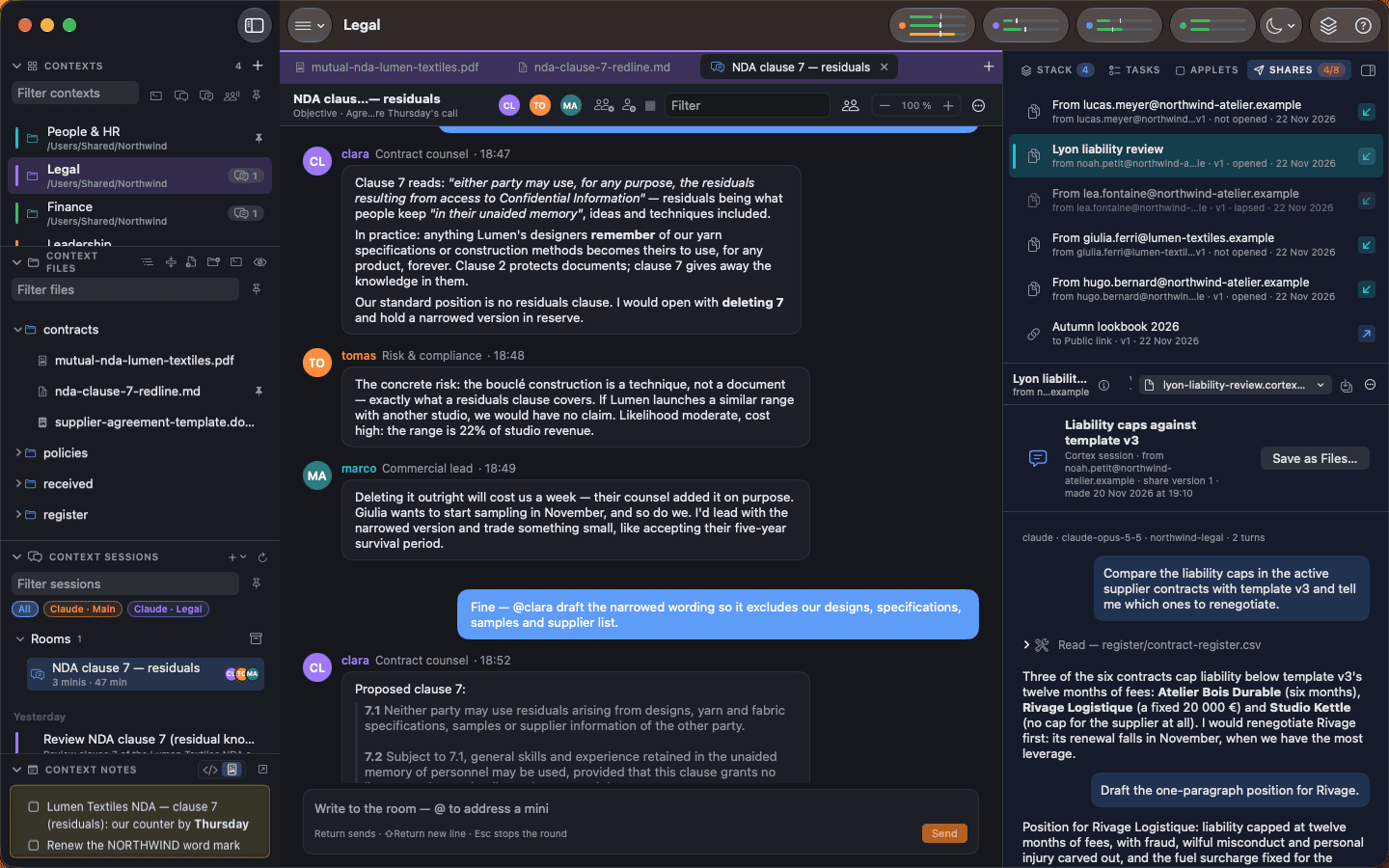
Besides files, you can share Cortex's own objects: a session, a room conversation, a meeting or a task with its reports. The recipient opens each one in its own view, read-only, in Cortex or in a browser. Each object travels as one file of an ordinary share, a package, so everything in Share a file or folder applies: people or a public link, title, message, expiry and versions.
What you can share and where
| Object | Where to find Share… | What travels |
|---|---|---|
| Session | the sidebar's Context sessions, or the session's transcript or live tab | the conversation: your prompts, the answers, the tool calls with their input and result, the agent and model, the times |
| Room | the sidebar, or the room's tab | its title, objective, members and messages with author and time |
| Meeting | the sidebar's meeting list, or the meeting's tab | the transcript with speakers and times, the summary and the action items |
| Task | the Tasks view | its objective, its minis and the runs you choose, each with its report and the files it left |
| Mini | the Minis Library | see Send a copy of a mini |
| Applet | the Applets view | its current package: manifest, script, screens and assets. Never its configuration, saved data, log or secrets |
Send one
- Right-click the object and choose Share…. You get the same sheet as for files, with the package as its item, named after the object.
- A task shows its runs, newest first, with the latest ticked. The runs you tick travel.
- A meeting has Include the recording, off at first. Switch it on to send the audio and screen recordings too.
- Check the redaction list, described below, then choose people or a public link, and click Send.
Secrets are redacted first
Before a session, room, meeting or task package is made, Cortex scans its text. A token, an API key, a private key, or a password in an assignment or a web address is replaced by [redacted]. A path on your Mac outside the object's context is cut to its last name. The sheet lists each finding, showing what kind it is and a few characters around it, never the secret itself, and the package records how many there were.
Redaction is on by default. You can switch it off per object with Redact secrets and paths of this Mac. The package then goes as it is, and the findings are still listed as warnings.
A mini's knowledge and an applet's files are never altered. If something in them looks like a secret, the sheet only warns you.
Always left out
A mini's memory, its signals and training, files outside the context, an applet's launcher, store, log and secrets, and any account or key.
It is a snapshot
An object is shared as it is now. When the original changes, nothing is sent. Select the share and choose Send New Version, and Cortex makes the package again with the same options, for example the same runs and the same recording choice. If this Mac no longer has the object, Send stays off.
How the recipient sees it
- In Cortex, a received session, room, meeting or task opens as a tab of its own kind, read-only, marked with its sender. Save File… keeps the package. Save as Files… writes it as Markdown and the files it holds.
- In a browser, the page draws it as text and structure only. Nothing inside a package is ever run or loaded as a web page. A package can be downloaded whole.
- A package file received in any other way, a
.cortexsessionor.cortexroomfile for example, opens the same way when you open it from the sidebar or in Finder. - A mini or applet opens as a card with Install… for a mini and Install for an applet. See Install a shared mini and follow its updates.
A package counts toward your storage like any file. See Share limits.
Something wrong or missing? Tell us