 Cortex
Share with someone who doesn't have Cortex
On this page
They get an email, a code and a passkey, and read it in a browser; what they see on the way.
The person you share with does not need Cortex, and does not need to install anything. They read the share in their web browser. This article tells you what they will go through, so you can warn them.
What they go through
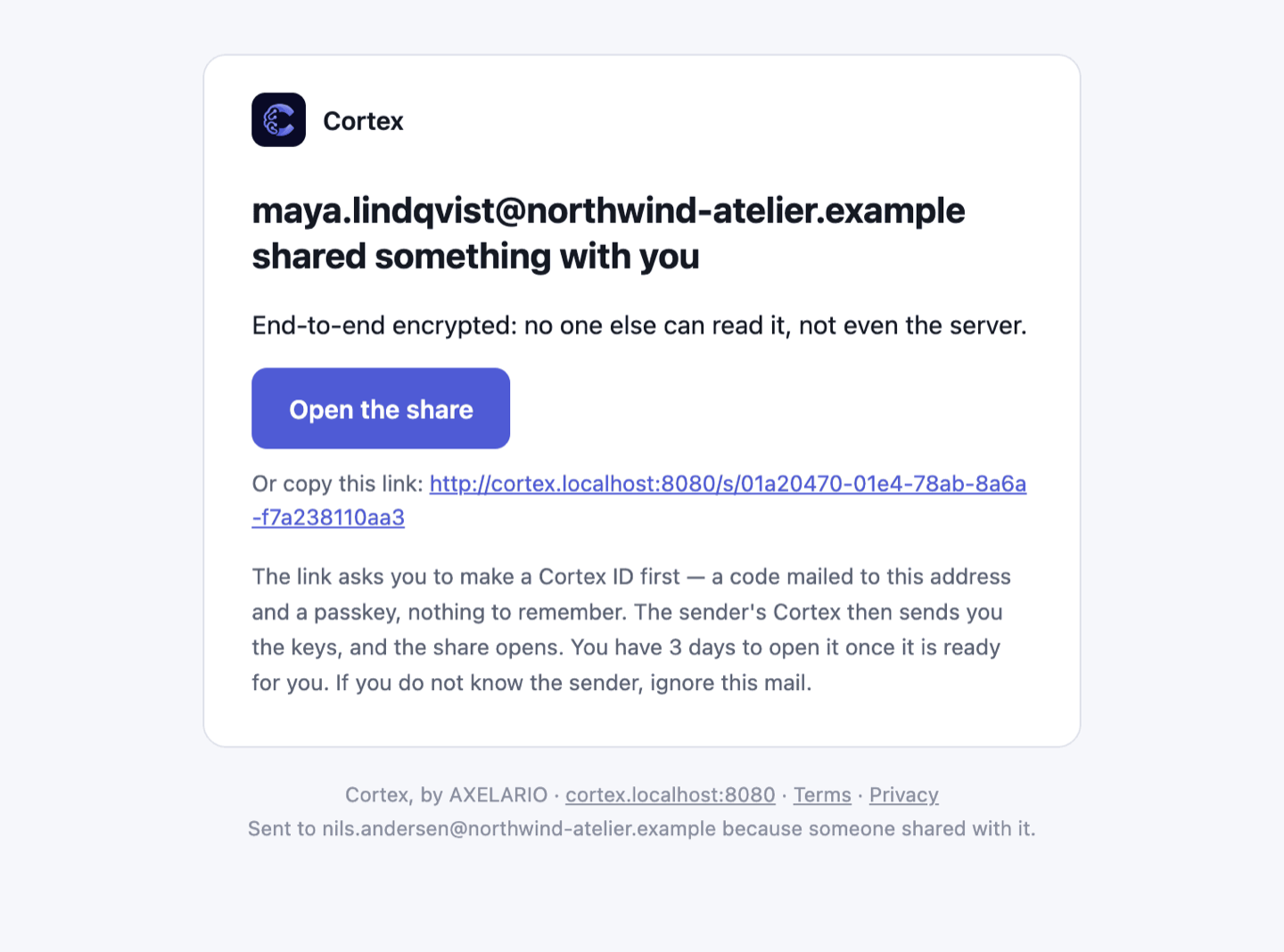
- They get the invitation email and open its link.
- The page asks for a code. A code is mailed to the same address: six letters, good for 10 minutes and 3 tries. This proves the address is theirs.
- The page asks them to make a passkey in their password manager. Before it makes anything, it says that creating a Cortex ID means accepting the Terms of the Cortex service, with the Terms and the Privacy policy a click away, and they choose Accept and create. This creates their own Cortex ID, with no password to remember. See What a Cortex ID is.
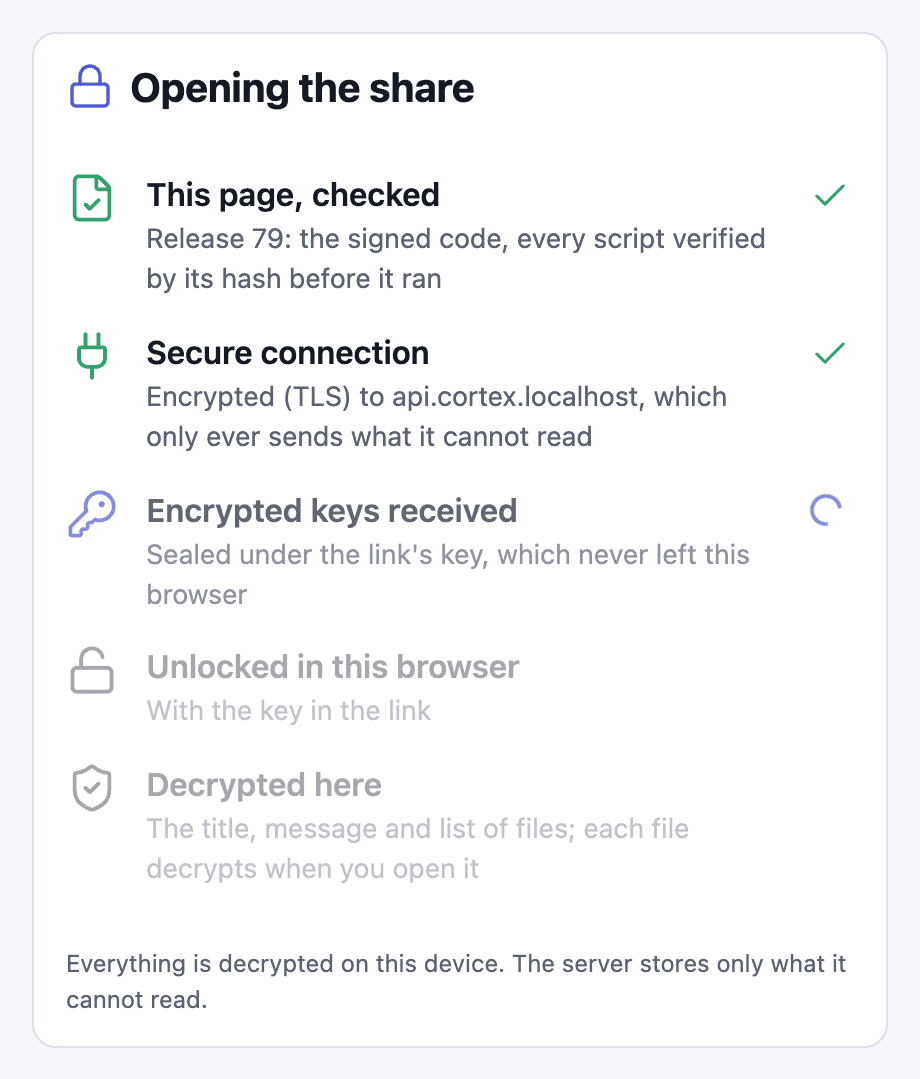
- The page says it is waiting for the share's keys. Your Cortex sends them, the next time it is online, so this can take a while if your Mac is asleep or Cortex is closed.
- As soon as the keys arrive, the share opens. The page checks itself every few seconds, then every half minute, and at once when the tab is shown again or they click View your share.
Next time they open the same link, or another share from you, a browser they have used before needs only the passkey.
What they see
After the steps, the share shows its title, your message and a note that it was decrypted in their browser and never on the server. It opens one file at once, or an explorer for several. See The browser viewer.
Things to know
- Their passkey must support a feature called PRF. It is what lets a passkey hold the Cortex ID key. Passkeys in iCloud Keychain work. If a password manager's passkey does not, the page says so, names the manager and offers iCloud Keychain instead.
- They have 3 days to open. The days count from when their keys are in place, not from when you sent the share. If the invitation lapses, they see "This content has expired" with Ask the sender again, and you get a notice and can invite them again with a new 3 days.
- Until they join, they are "awaiting". You see that in the share's recipient list.
- Who can sign up. Cortex Server lets an address sign up when something has been shared with it, or when the operator has allowed it. Sharing with an address is itself the invitation.
- A browser is a little less safe than Cortex. The page is a signed, checkable release, but a browser still runs the code it is given. See The browser versus the app.
If a share sits on "waiting for the sender", see A share is waiting or has lapsed.
Something wrong or missing? Tell us