 Cortex
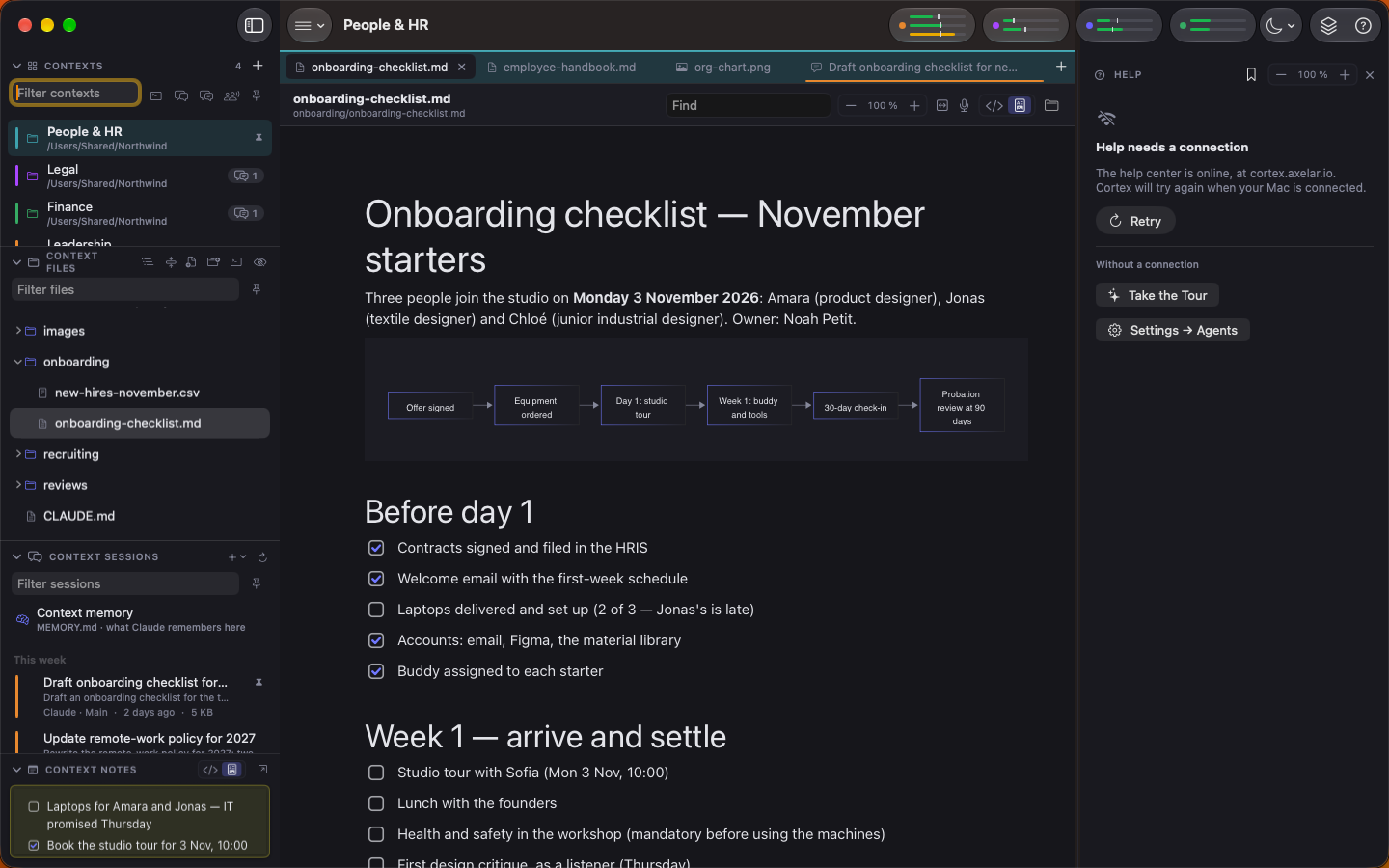
'Help needs a connection'
On this page
What still works offline: the tour and the agent set-up guides.
Symptom
You open the Help panel with the ? button, Help → Cortex Help or ⌘/, and instead of an article it says Help needs a connection.
Cause
The help center lives online, at cortex.axelar.io/help. The panel shows it in a web view. Cortex stores no copy of it, so the panel cannot show help while your Mac is offline, while the server does not answer within 15 seconds, or when the page fails to load.
Fix
- Check that your Mac is online.
- Click Retry. The panel also retries once by itself when your Mac gets a connection back, and replaces this message when the page loads.
What works without a connection
Two things do not need the help center, and the panel offers both:
- Take the Tour reopens the welcome tour, the same as Help → Welcome Tour…. See Take the welcome tour. Take the tour
- Settings → Agents opens that pane. Each local agent's dialog there shows how to install it, in the folded How to install section. See Which agents Cortex works with. Open Settings → Agents
Nothing else is available offline: Cortex bundles no help text.
Something wrong or missing? Tell us