 Cortex
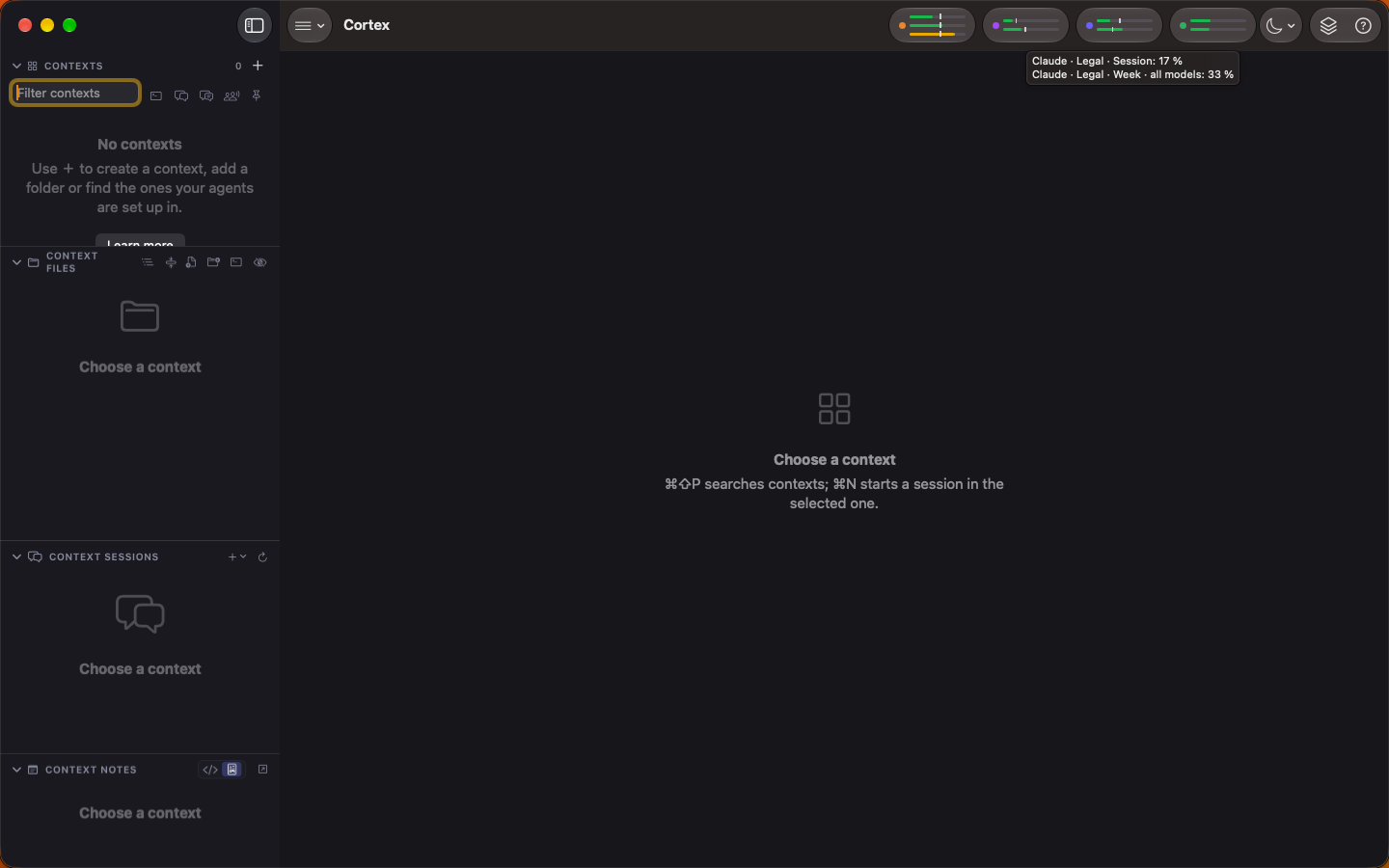
The sidebar shows no contexts
An empty list, a folder you did not add, a folder that moved.
Symptom
The Contexts section of the sidebar is empty, or the context you expect is not in the list.
Cause
The list of contexts is yours. Cortex lists a folder only when you added it, made it with New Context…, or chose it in Find Contexts…. These are the usual reasons nothing is listed:
- Nothing was added yet. You skipped the Your contexts step of the tour, or ticked nothing in it.
- You removed it. A context you took off the list stays off, even if its folder is still there.
- It was opened once. A folder opened from Finder or Terminal is listed until you quit Cortex, unless you chose Add to Contexts.
- Find Contexts… did not list it. A folder with only a
CLAUDE.mdis not found, because drafts and planning folders carry that file too. A folder is found when it holds.claude/or.codex/, is within the depth you set (4 by default), and is not inside a hidden or ignored folder. - You renamed the folder in Finder. The context is still listed, marked "folder missing". See A context's folder is gone.
Fix
- Press + in the header of the Contexts section.
- Choose Add Existing Folder… (⌘⌥O) for a folder you have, or New Context… (⌘⌥N) to make one. You can also drag folders from Finder onto the section.
- Or choose Find Contexts…, pick the folder that holds your projects in Search in, raise the depth if the folder is deeper, and tick the folders to add.
A folder needs no .claude/ or .codex/ to be added by hand. How each way works is in Add your contexts, what a context is in What a context is, and how to take one off the list in Add, remove and organise contexts. To open one folder without adding it, see Open a folder, file or page from outside Cortex.
Something wrong or missing? Tell us