 Cortex
Terminal tabs
On this page
Your own login shell in a folder of the context, unconfined, named by its folder.
A terminal tab is a plain shell in one of your context's folders. It is your own login shell, with your own environment, as in Terminal.app. It is not an agent session.
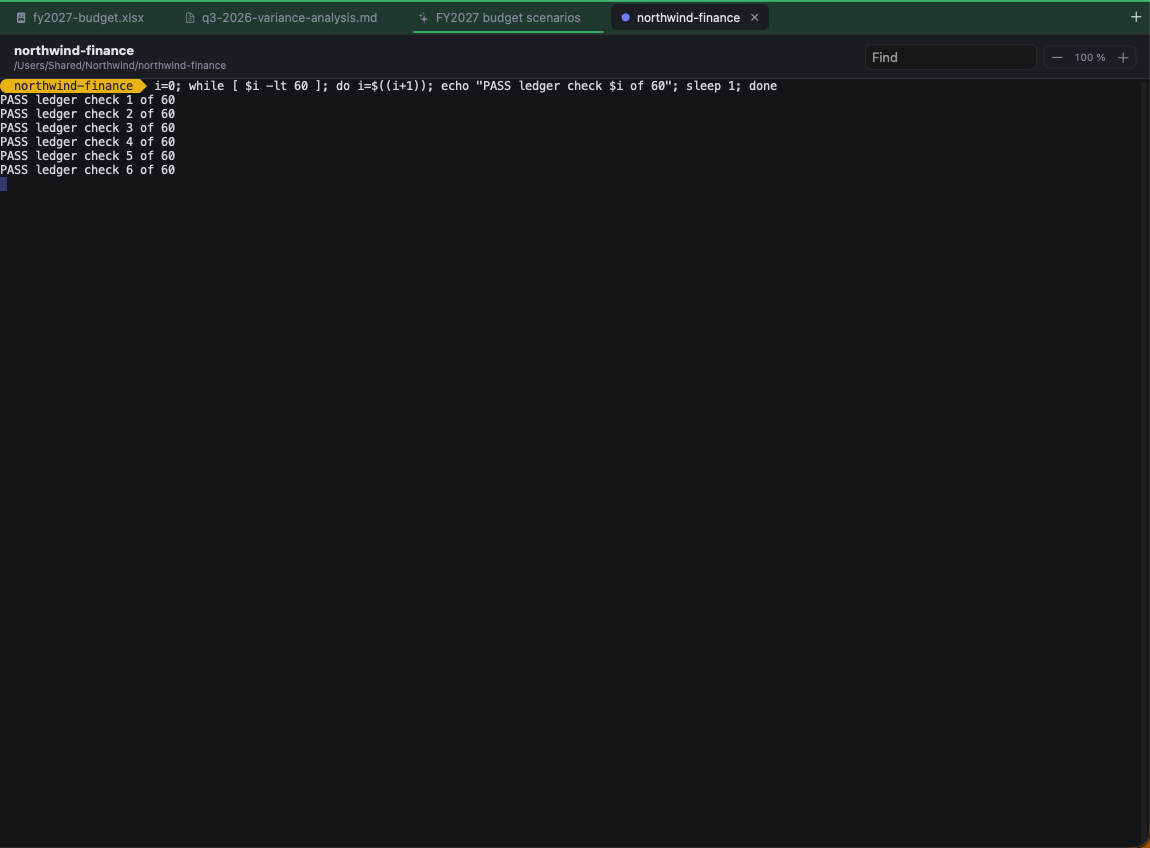
Open one
- Press ⌃⇧`. It opens in the folder selected in the file tree, or the context's root if none is selected.
- Press the terminal button in the Context files header.
- Right-click a folder and choose Open Terminal Here.
- Choose New Terminal in a tab group's + menu.
Its name
The tab is named by the folder the shell is in now, the last part of its path, with ~ for your home folder. It follows cd. To give it a name of your own, choose Rename… in the tab's menu. A name you give wins over the folder and stays across restarts. Leave it empty to follow the folder again.
While a command runs in it, the tab's icon becomes a running mark and the tooltip says what runs, for example "Running: npm". The context's row in the sidebar counts its running terminals.
Drop files into it
Drag files from Finder onto a terminal, or from the file tree onto the centre of the terminal's group. Cortex types their paths at the cursor, as Terminal.app does. The paths are escaped for the shell and separated by spaces. Nothing is copied.
The same drop works on a running agent session. The path is typed at its cursor, and Claude Code takes a path as a reference to that file.
Links, keys and the clipboard
- A ⌘-click on a link opens a web or mail address as a document would, and a local file as a tab of the context. Cortex never lets the system launch anything from a terminal link, such as an app or a script.
- Inside a focused terminal, every key goes to the program running in it, except Cortex's ⌘ shortcuts. ⌘C and ⌘V copy and paste. Whether ⌥ acts as Meta is a setting. See Appearance and Terminal settings.
- A program in the terminal can never read your clipboard. If one tries to set it, for example
vimortmuxoverssh, a bar above the terminal shows what it would put there, with Deny and Allow for This Terminal. Nothing reaches your clipboard before you allow it.
When the shell exits
The last screen stays, and the header says Shell exited with Restart and Close. Restart starts a fresh shell in the folder it was last in, keeping its name.
Closing and quitting
⌘W closes a terminal tab without asking. Quitting Cortex asks while any terminal is open, because a shell may hold a build, a server or an SSH session. See Close, keep running and quit.
After a restart, a terminal tab comes back without a shell. A fresh shell starts in its folder the first time the tab is shown.
Something wrong or missing? Tell us